Organizing Personal Documents 2026: Secure, Accessible, 5-Hour System
Anúncios
This guide provides a comprehensive, step-by-step approach to organizing your personal documents in 2026, enabling you to establish a secure and accessible system efficiently within just 5 hours, utilizing practical, future-proof solutions.
Anúncios
Are you feeling overwhelmed by a mountain of paperwork and scattered digital files? In an increasingly complex world, mastering the art of organizing personal documents is no longer just about tidiness; it’s about security, accessibility, and peace of mind. This guide will walk you through creating a robust system in just five hours, ensuring your vital information is safe and easily retrievable in 2026 and beyond.
Anúncios
Understanding the 2026 Document Landscape
The year 2026 presents a unique blend of traditional paper records and an ever-expanding universe of digital data. Navigating this hybrid environment effectively requires a strategic approach. We’re seeing greater emphasis on cybersecurity, cloud storage, and integrated digital platforms, alongside the enduring need for physical document security.
Many individuals find themselves struggling to keep pace with the sheer volume of information. From financial statements and medical records to legal deeds and personal certificates, the types of documents we manage are diverse. The challenge lies in harmonizing these different formats into one cohesive system that serves your specific needs.
The Shift to Digital-First, Not Digital-Only
While digital solutions offer unparalleled convenience and searchability, the complete elimination of physical documents isn’t always practical or advisable. Certain legal or historical documents often require physical retention. Therefore, a balanced approach is crucial, leveraging technology while respecting the necessity of tangible records.
- Digital backups for all critical paper documents.
- Secure cloud storage for easy access and sharing.
- Physical storage for originals and irreplaceable items.
- Regular review and update schedules for both formats.
The key takeaway for 2026 is integration. Your system should allow you to quickly locate any document, regardless of its original format, and ensure its integrity and privacy are maintained. This initial understanding sets the foundation for a truly effective document organization strategy.
Phase 1: The Initial Purge and Categorization (Hour 1)
The first step in establishing an efficient document system is to declutter. This means going through every piece of paper and digital file to determine its relevance and necessity. Holding onto outdated or redundant documents only adds to the organizational burden and potential security risks.
Begin by gathering all your documents in one central location. This might involve emptying drawers, scanning old boxes, and reviewing digital folders across various devices and cloud services. The goal is to see the full scope of what you need to manage.
Deciding What to Keep and What to Discard
Not everything needs to be kept forever. Many documents have a limited retention period. For instance, most utility bills can be shredded after a year, while tax records typically require seven years of retention. Understand these guidelines to avoid unnecessary clutter.
- Keep permanently: Birth certificates, marriage licenses, passports, social security cards, wills, deeds, academic transcripts.
- Keep for 7 years: Tax returns and supporting documents, records of paid bills, investment statements.
- Keep for 1 year: Bank statements (unless needed for tax purposes), utility bills once paid.
For digital files, apply the same principle. Delete old downloads, duplicate photos, and irrelevant emails. Be ruthless but careful; when in doubt, temporarily move items to a ‘review later’ folder rather than deleting permanently.
Once you’ve decided what to keep, start categorizing. Common categories include financial, medical, legal, personal identification, household, and employment. This initial sorting will make the subsequent steps much smoother and more efficient.
Phase 2: Setting Up Your Physical Filing System (Hour 2)
Even in 2026, a well-structured physical filing system remains indispensable for original documents and those that resist digitization. This phase focuses on creating an intuitive and secure physical storage solution that complements your digital efforts.
Start by investing in appropriate storage. Fireproof safes are crucial for irreplaceable documents like birth certificates and deeds. For less critical but still important papers, consider filing cabinets or portable file boxes. Ensure your chosen storage is robust and offers some level of protection against environmental damage.
Creating a Logical Folder Structure
The success of your physical system hinges on logical organization. Use clear, concise labels for each folder. Avoid overly broad categories that lead to overflowing files. Instead, break them down into manageable sub-categories.
- Primary Folders: Financial, Medical, Legal, Personal, Household.
- Sub-Folders (e.g., under Financial): Bank Statements, Credit Cards, Investments, Loan Documents, Tax Records.
- Sub-Folders (e.g., under Medical): Insurance Policies, Doctor Visits, Prescriptions, Test Results.
Color-coding can also be an effective visual aid. Assign a specific color to each primary category to quickly identify and retrieve documents. Regularly review the contents of these folders to ensure they remain current and free of unnecessary items. The aim is a system where anyone, in an emergency, could quickly locate what they need.
Phase 3: Establishing Your Digital Document Hub (Hours 3-4)
The digital realm is where most of your day-to-day document management will occur in 2026. Creating a secure, accessible, and intuitive digital hub is paramount. This involves choosing the right tools, digitizing physical documents, and setting up a robust backup strategy.
Begin by selecting a primary cloud storage service. Platforms like Google Drive, Microsoft OneDrive, or Dropbox offer generous storage, synchronization across devices, and robust sharing capabilities. For highly sensitive documents, consider specialized secure cloud storage or encrypted local drives.
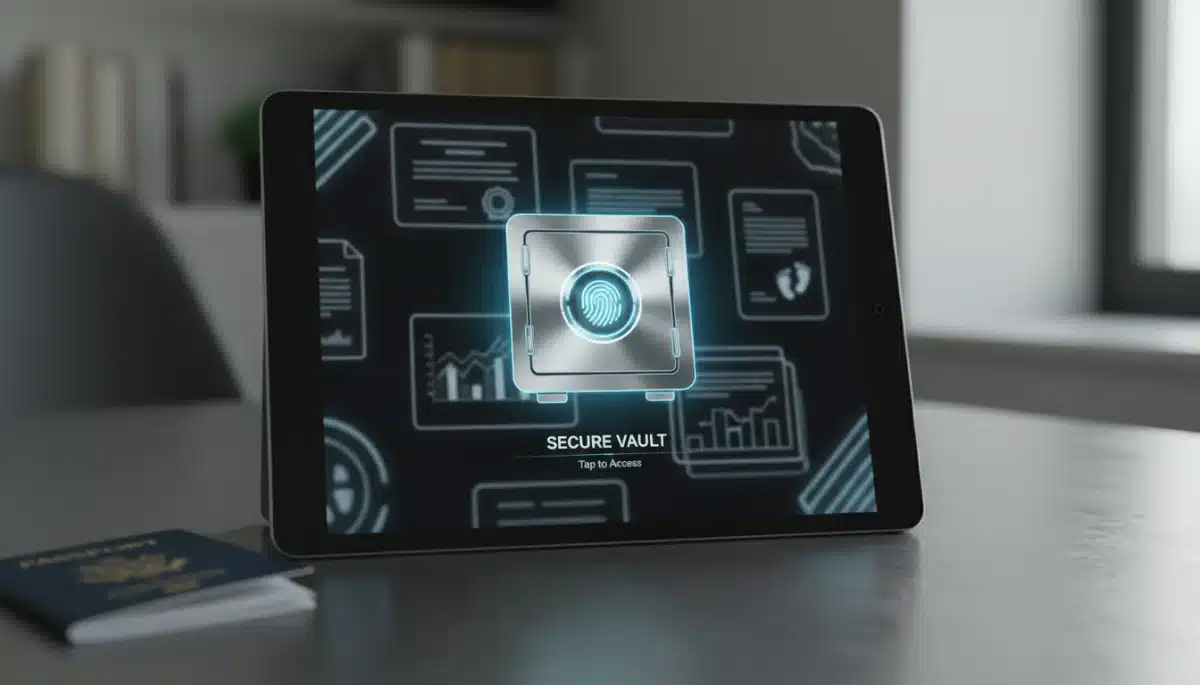
Digitizing your physical documents is a critical step. Use a high-quality scanner or a reliable scanning app on your smartphone. Ensure documents are saved in universally accessible formats like PDF. Optical Character Recognition (OCR) features are invaluable for making scanned documents searchable.
Structuring Your Digital Folders for Maximum Efficiency
Just like with physical files, a clear digital folder structure is key. Mirror your physical categories where appropriate, but also leverage digital advantages such as tagging and metadata.
- Main Directories: Financial, Medical, Legal, Personal, Household, Work.
- Sub-Directories (e.g., under Financial): Bank Accounts, Investment Portfolios, Tax Documents (by year), Loan Agreements.
- File Naming Convention: Adopt a consistent naming convention (e.g., YYYY-MM-DD_DocumentType_Description.pdf) to ensure easy sorting and retrieval.
Security is non-negotiable. Implement strong, unique passwords for all your digital accounts, utilize two-factor authentication (2FA), and consider a password manager. Regularly back up your digital hub to a separate external drive or a secondary cloud service to protect against data loss. This dual approach ensures your information is both protected and always available.
Phase 4: Integrating Security and Accessibility (Hour 5)
With your physical and digital systems established, the final hour focuses on weaving together security measures and ensuring seamless accessibility. This integration is what transforms a collection of files into a truly functional and reliable document management system for 2026.
First, review all access points. Who has access to your physical safe? Who knows your digital passwords? Limit access to trusted individuals and ensure they understand the system in case of an emergency. Consider creating an ‘In Case of Emergency’ binder with essential information and access details, securely stored.
Implementing Advanced Security Protocols
Beyond strong passwords and 2FA, explore additional layers of digital security. Encryption for sensitive files, virtual private networks (VPNs) for secure internet access, and reputable antivirus software are all vital tools. Regularly update your software to patch vulnerabilities.
- Use biometric authentication where available (fingerprint, facial recognition).
- Encrypt sensitive files before uploading to cloud storage.
- Regularly check privacy settings on all digital platforms.
- Be wary of phishing attempts and suspicious links.
For accessibility, ensure your system is synchronized across your most-used devices. This means being able to access your documents from your smartphone, tablet, or computer. Utilize document management software that can link to both local and cloud storage, providing a unified interface for all your files. This integrated approach ensures that your documents are not only secure but also readily available whenever and wherever you need them.
Maintaining Your Document System in 2026 and Beyond
Creating an organized document system is a significant achievement, but its effectiveness relies on ongoing maintenance. Think of it not as a one-time project, but as a continuous process that adapts to your life and the evolving digital landscape. Regular upkeep prevents clutter from accumulating and ensures your system remains current and reliable.
Schedule dedicated time slots for document management. This could be a monthly hour for processing new mail and digital downloads, or a quarterly review of your financial statements. Consistency is key to preventing the system from becoming overwhelmed again. Just like any good habit, it needs nurturing.
Annual Review and Digital Housekeeping
At least once a year, conduct a comprehensive audit of both your physical and digital files. This is an opportunity to:
- Shred or delete documents that have passed their retention period.
- Update contact information and beneficiaries on important accounts.
- Review security settings and update passwords.
- Reassess your categorization system to ensure it still meets your needs.
- Back up all critical digital data to an external drive or secondary cloud service.
This annual review helps you stay on top of new documents, discard old ones, and integrate any new technologies or best practices that emerge. It also serves as a crucial check on your security protocols, ensuring they are still robust against current threats. By dedicating a small amount of time regularly, you can keep your document system running smoothly and effectively for years to come.
Leveraging Technology for Future-Proof Document Management
As we move further into 2026, technology continues to offer innovative solutions for document organization. Embracing these advancements can significantly enhance the security, accessibility, and efficiency of your personal document system. Staying informed about new tools and practices is vital for a future-proof approach.
Consider exploring advanced document management software that goes beyond basic cloud storage. Many applications now offer features like automated categorization using AI, intelligent search capabilities, and integrated workflows for signing and sharing documents securely. These tools can save you considerable time and reduce manual effort.
Exploring Emerging Trends and Tools
Beyond established solutions, keep an eye on emerging technologies that could further streamline your document management. Blockchain-based solutions, for instance, are beginning to offer ultra-secure ways to store and verify critical documents, potentially reducing reliance on centralized systems.
- AI-powered scanning: Automatically extracts data and categorizes documents.
- Digital notarization: Securely notarize documents online, saving time and travel.
- Biometric authentication: Enhances security for accessing sensitive digital files.
- Secure sharing platforms: Ensures confidential information is shared only with authorized parties.
Embracing these technological advancements, while always prioritizing data privacy and security, will allow your personal document system to evolve with the times. It ensures that your organization methods remain at the forefront of efficiency and protection, providing long-term peace of mind in a rapidly changing world. Staying adaptable and open to new solutions is a hallmark of effective life organization in 2026.
| Key Aspect | Brief Description |
|---|---|
| Initial Purge | Gather all documents, decide what to keep/discard based on retention guidelines, and begin categorization. |
| Physical Filing | Set up secure physical storage (fireproof safe, cabinet) with clear, logical, and color-coded folder structures. |
| Digital Hub | Establish a primary cloud storage, digitize physical documents, and implement consistent digital folder naming conventions. |
| Security & Maintenance | Implement strong passwords, 2FA, regular backups, and schedule annual reviews for ongoing system health. |
Frequently Asked Questions About Document Organization
Even with digital advancements, it’s vital to keep original physical copies of documents like birth certificates, marriage licenses, passports, social security cards, wills, deeds, and academic transcripts. These are often required in original format for legal or official purposes and are difficult or impossible to replace quickly.
For critical digital documents, a multi-layered backup strategy is recommended. Daily or weekly automated backups to a primary cloud service are ideal. Additionally, perform a monthly or quarterly backup to a separate external hard drive or a secondary cloud provider to ensure redundancy and protection against data loss.
Storing financial documents in reputable cloud services can be safe, provided you use strong, unique passwords, enable two-factor authentication (2FA), and ensure the service offers robust encryption. For added security, consider encrypting highly sensitive files before uploading them to any cloud platform.
Shredding is the most secure method for disposing of old physical documents containing personal information. Avoid simply tearing or throwing them in the trash, as this leaves you vulnerable to identity theft. For large volumes, consider community shredding events or professional shredding services.
Yes, AI is increasingly valuable in document organization. AI-powered scanning tools can automatically categorize documents, extract key information, and even suggest retention periods. Some advanced document management systems use AI for intelligent search functions, making it faster and easier to retrieve specific files from large archives.
Conclusion
Establishing a secure and accessible system for your personal documents in 2026 is an investment in your future peace of mind. By dedicating a focused five hours, you can transform a chaotic collection of papers and digital files into an organized, efficient, and future-proof system. Remember, the goal is not just tidiness, but enhanced security, effortless accessibility, and the confidence that your vital information is always at your fingertips. Regular maintenance and a willingness to embrace new technologies will ensure your system remains robust for years to come.