2026 Guide to Essential Document Organization: Securing Key Papers
Anúncios
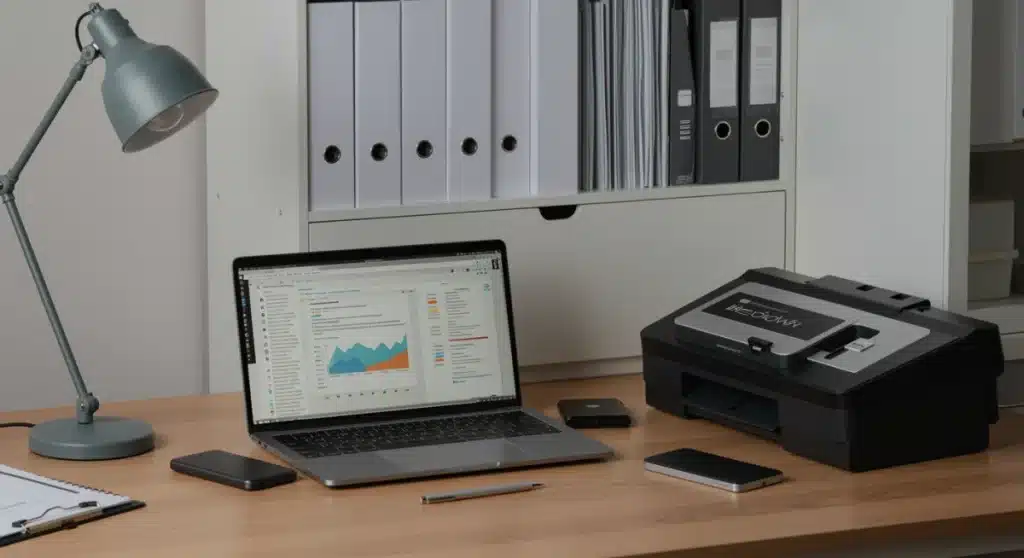
Securing key papers in one central location is paramount for efficient personal and financial management in 2026, requiring a blend of digital solutions and physical organization strategies for optimal accessibility and protection.
Anúncios
In an increasingly digital world, the challenge of managing both physical and digital paperwork can feel overwhelming. However, mastering document organization 2026 is not just about tidiness; it’s about safeguarding your financial well-being, protecting your identity, and ensuring peace of mind. This comprehensive guide will walk you through creating a robust system for all your essential documents.
Anúncios
Understanding the Evolving Landscape of Document Management
The year 2026 brings new considerations for document management, from advanced digital threats to innovative storage solutions. It’s no longer enough to simply stack papers in a drawer; a proactive, integrated approach is essential. This section delves into the foundational shifts influencing how we should approach organizing our vital records.
The blend of physical and digital documentation creates a complex environment. While many services push for paperless operations, certain documents, by law or personal preference, still require physical retention. Understanding which documents fall into each category is the first step toward effective organization.
The Rise of Digital-First Documentation
Many institutions now prioritize digital records, offering electronic statements, contracts, and receipts. This shift offers convenience but also introduces new responsibilities for secure digital storage and backup.
- Banking and Financial Statements: Most banks offer digital-only statements, reducing paper clutter.
- Utility Bills: Electronic billing is standard, often with email notifications and online portals.
- Healthcare Records: Patient portals provide digital access to medical histories and appointments.
- Tax Documents: Many tax forms and receipts are now available electronically.
Persistent Need for Physical Records
Despite the digital push, some documents retain their importance in physical form. These often include original legal documents, such as birth certificates, marriage licenses, and property deeds. Misplacing these can lead to significant complications and delays in critical life events.
Furthermore, some documents, while also available digitally, are often preferred in physical format for ease of access or legal validity, such as vehicle titles or certain insurance policies. Establishing a clear distinction between what needs to be physical and what can be digital is fundamental to a streamlined system.
In conclusion, the document management landscape of 2026 demands a hybrid strategy. Recognizing the strengths and weaknesses of both digital and physical formats allows for a more secure and accessible organization system, setting the stage for the practical steps that follow.
Identifying Your Essential Documents: What to Keep and For How Long
Before you can organize, you must categorize. Not every piece of paper or digital file holds the same weight. This section helps you differentiate between truly essential documents, those with temporary relevance, and those that can be safely discarded. Understanding retention periods is crucial to avoid unnecessary clutter and ensure compliance.
Many people keep documents far longer than necessary, leading to overwhelming archives. Conversely, prematurely discarding vital papers can create significant headaches. A clear framework for identifying and categorizing your documents is the backbone of an efficient system.
Key Document Categories and Examples
Documents can generally be grouped into several categories, each with its own importance and retention guidelines. Think about the potential impact if a document were lost or inaccessible.
- Vital Records: Birth certificates, marriage licenses, social security cards, passports, wills, property deeds. These are irreplaceable and require permanent, secure storage.
- Financial Records: Tax returns (7 years recommended), investment statements (keep as long as you own the asset), loan agreements (until paid off plus a few years), bank statements (1-3 years).
- Medical Records: Keep indefinitely for major diagnoses, current insurance policies, and vaccination records. Old bills can often be discarded after a year.
- Employment Records: Pay stubs (1 year), offer letters, performance reviews (indefinitely for career history), retirement plan documents.
Understanding Document Retention Guidelines
Retention periods are not arbitrary; they are often dictated by legal requirements, tax regulations, or practical needs. For example, tax documents should typically be kept for at least seven years in case of an audit. Property deeds, on the other hand, are permanent records.
It’s beneficial to create a personalized retention schedule. This schedule acts as a checklist, helping you decide what to keep and for how long. Regularly reviewing this schedule, perhaps annually, ensures your system remains current and free of outdated information.
Ultimately, a clear understanding of document importance and retention periods simplifies the organization process. By meticulously identifying what truly matters and for how long, you lay the groundwork for a secure and manageable document system, reducing stress and improving accessibility.
Developing Your Centralized Storage System: Physical and Digital Hubs
The core of effective document organization in 2026 is establishing a centralized system. This means having designated, secure locations for both your physical and digital documents, ensuring everything is easily accessible when needed. A fragmented approach leads to lost time and increased frustration.
A truly centralized system isn’t just about a single location; it’s about a consistent methodology. Whether you’re searching for a digital receipt or a physical deed, you should know exactly where to look based on a predefined structure. This section outlines how to build these essential hubs.
Creating a Secure Physical Document Hub
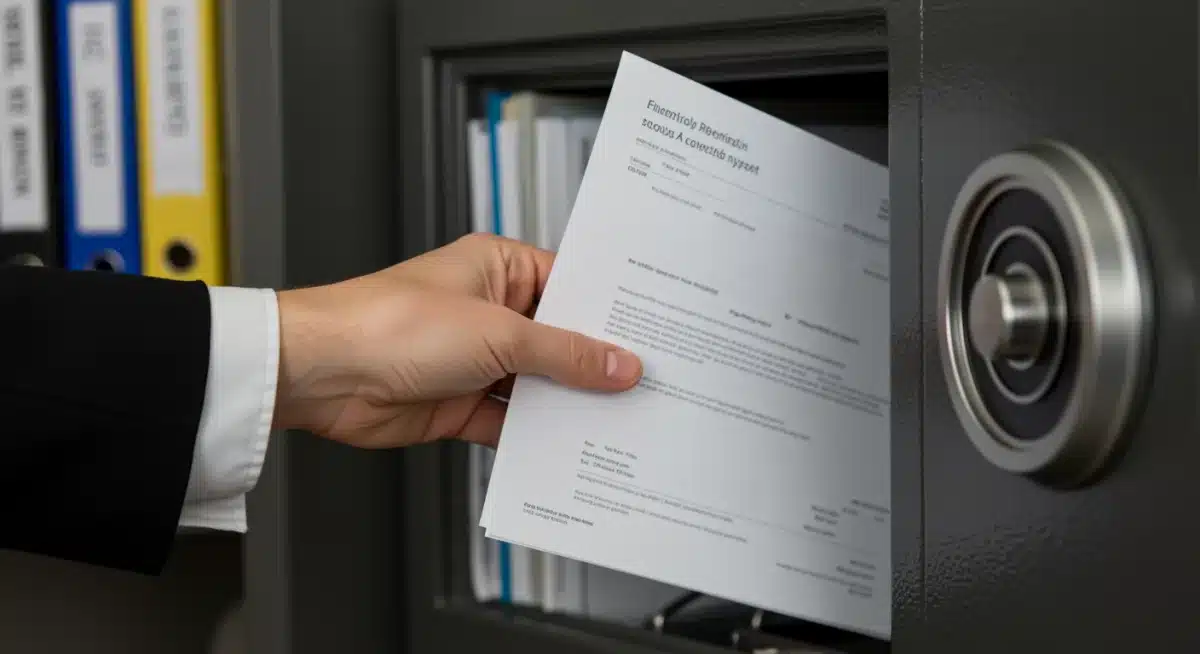
Your physical documents, especially vital records, need a safe and accessible home. This often involves a combination of immediate access files and long-term secure storage. Security from fire, flood, and theft is paramount for these irreplaceable items.
- Fireproof Safe/Box: Essential for birth certificates, passports, wills, deeds, and other vital records.
- Locking File Cabinet: For less critical but still important physical documents, like current tax records or active contracts.
- Clear Labeling System: Use consistent, descriptive labels for folders and drawers to ensure quick retrieval.
- Off-site Backup (for copies): Consider keeping copies of vital documents with a trusted family member or in a safe deposit box.
Establishing Your Digital Document Hub
The digital hub is where the majority of your active documents will reside. This requires careful consideration of cloud storage, local backups, and robust cybersecurity measures. Accessibility from multiple devices is a key benefit, but security cannot be compromised.
Choosing the right cloud service, such as Google Drive, Dropbox, or OneDrive, involves balancing storage capacity, security features, and cost. Ensure that any chosen service offers two-factor authentication and strong encryption. Complementing cloud storage with a local backup, such as an external hard drive, provides an extra layer of protection against data loss.
In summary, a well-designed centralized system, comprising both a secure physical location and a robust digital hub, ensures that all your essential documents are protected and readily available. This dual approach addresses the diverse needs of modern document management, providing both security and convenience.
Digitization Best Practices: Converting Paper to Pixels Safely
Digitizing your paper documents is a cornerstone of modern document organization, offering enhanced accessibility, searchability, and reduced physical clutter. However, this process must be undertaken with care to ensure the integrity and security of your converted files. Simply scanning isn’t enough; thoughtful execution is key.
The goal of digitization is not just to create a digital copy but to create a usable, secure, and easily retrievable digital asset. This involves more than just a scanner; it encompasses file naming conventions, storage formats, and backup strategies.
Choosing the Right Tools for Digitization
The quality of your digital documents largely depends on the tools you use. Investing in a good scanner or utilizing reliable scanning apps can make a significant difference in the clarity and usability of your digital files.
- Document Scanners: Dedicated scanners offer higher quality and faster processing for large batches of documents. Look for features like duplex scanning and OCR (Optical Character Recognition).
- Mobile Scanning Apps: Apps like Adobe Scan or CamScanner are excellent for occasional documents, using your smartphone camera to create PDF files.
- Cloud Integration: Many scanners and apps integrate directly with cloud storage services, streamlining the upload process.
Secure Naming Conventions and File Formats
Once scanned, your digital documents need a consistent naming convention to ensure easy retrieval. Imagine searching for a document without a logical name; it’s like looking for a needle in a digital haystack. PDF is generally the preferred format for archival purposes due to its universal compatibility and security features.
A good naming convention might include the date, document type, and a brief description (e.g., “2026-03-15_BankStatement_ChaseChecking.pdf”). This systematic approach makes searching and filtering incredibly efficient. Furthermore, consider encrypting sensitive digital documents, especially if they contain personally identifiable information, to add an extra layer of security.
In conclusion, effective digitization goes beyond merely creating digital copies. By using appropriate tools, implementing smart naming conventions, and selecting secure file formats, you transform your paper clutter into an organized, accessible, and protected digital archive, significantly enhancing your overall document management system.
Maintaining Security and Privacy for Your Organized Documents
Organizing your documents is only half the battle; ensuring their security and privacy is equally, if not more, critical. In 2026, with increasing cyber threats and identity theft concerns, a robust security strategy for both physical and digital records is non-negotiable. This section provides essential safeguards to protect your sensitive information.
Data breaches and physical theft can have devastating consequences. Therefore, incorporating security measures into every aspect of your document organization system is not an option, but a necessity. From strong passwords to physical locks, every layer of protection counts.
Physical Security Measures
Protecting your physical documents involves more than just a file cabinet. It means safeguarding them against environmental hazards and unauthorized access. Think about the worst-case scenarios and plan accordingly.
- Fireproof and Waterproof Storage: Essential for vital records, protecting them from unforeseen disasters.
- Shredding Sensitive Documents: Use a cross-cut shredder for any documents containing personal or financial information before disposal.
- Secure Home Environment: Ensure your home security system is adequate, especially if you store highly sensitive documents.
- Limited Access: Restrict access to physical document storage areas to only trusted individuals.
Digital Security and Data Protection
Digital documents are vulnerable to different threats, primarily cyberattacks and data loss. A multi-faceted approach to digital security is required, combining strong authentication, encryption, and regular backups.
Always use strong, unique passwords for all your online accounts, especially those linked to cloud storage or financial institutions. Implement two-factor authentication (2FA) wherever possible. Encrypting sensitive files, even when stored in the cloud, adds an additional layer of protection. Finally, regular backups to an external hard drive or a separate cloud service are crucial to prevent data loss due to system failure or cyber incident.
To conclude, a secure document organization system is built on layers of protection. By implementing both physical safeguards and robust digital security practices, you can significantly reduce the risk of unauthorized access, data loss, and identity theft, ensuring your peace of mind and the integrity of your essential papers.
Automating and Streamlining Your Document Workflow for 2026
Efficiency is paramount in 2026, and that extends to document organization. Manual processes can be time-consuming and prone to error. By leveraging technology and establishing routine habits, you can automate and streamline much of your document workflow, making the entire system more manageable and less daunting.
The goal here is to transform document management from a chore into a seamless background process. This involves setting up smart systems that minimize manual intervention while maximizing accuracy and accessibility.
Leveraging Technology for Automation
Several tools and features can help automate aspects of document management, from receipt capture to file categorization. Embracing these technologies can save significant time and reduce the likelihood of forgetting to process a document.
- Automated Scanning Workflows: Many modern scanners and software allow you to set up rules for document type, destination folder, and naming conventions upon scanning.
- Financial Aggregation Apps: Apps like Mint or Personal Capital can centralize financial data, reducing the need to manually track statements.
- Cloud Service Integrations: Utilize features that automatically sync files across devices and platforms, ensuring consistency.
- Email Filters: Set up rules in your email client to automatically sort digital statements and receipts into designated folders.
Establishing Routine Maintenance Habits
Even with automation, a degree of routine maintenance is essential to keep your system clean and current. Consistent, small efforts are far more effective than infrequent, large-scale cleanouts. Think of it as preventative maintenance for your document ecosystem.
Schedule a weekly or monthly review session to process new documents, file digital receipts, and clear out temporary items. Annually, perform a more comprehensive review to update your retention schedule, shred outdated physical documents, and archive old digital files. These regular touchpoints prevent accumulation and ensure your system remains efficient and relevant.
In essence, integrating automation with consistent routine maintenance creates a powerful and efficient document workflow. By minimizing manual tasks and embedding good habits, you can ensure your essential papers are always in order, accessible, and secure, without requiring constant effort.
Future-Proofing Your Document Organization System
The world of technology and regulations is constantly evolving, and your document organization system should evolve with it. Future-proofing means designing a flexible system that can adapt to new digital tools, changing legal requirements, and personal life events. This forward-looking approach ensures your system remains effective for years to come.
Anticipating future needs and challenges is key to building a resilient document management strategy. This section focuses on practices that will keep your organization system relevant and robust against future changes.
Staying Informed on Technological Advancements
New tools for scanning, storage, and security emerge regularly. Keeping an eye on these advancements can help you identify opportunities to further enhance your system’s efficiency and security. Subscribing to tech newsletters or following industry blogs can keep you updated.
For example, advancements in AI might offer more sophisticated categorization or search capabilities for digital documents. Similarly, new encryption standards or biometric authentication methods could become standard for secure access. Being open to integrating these technologies will keep your system cutting-edge.
Adapting to Regulatory and Life Changes
Legal and tax regulations regarding document retention can change, and significant life events (e.g., marriage, new home, retirement) will invariably alter your document landscape. Your system must be flexible enough to accommodate these shifts without requiring a complete overhaul.
Regularly review official government guidelines for document retention, especially concerning taxes and legal matters. Create a system that allows for easy addition or removal of document categories and folders. For life changes, treat them as opportunities to re-evaluate and refine your system, ensuring it continues to meet your evolving needs and circumstances.
To conclude, future-proofing your document organization system is about building flexibility and adaptability into its core. By staying informed about technological and regulatory changes, and by designing a system that can gracefully accommodate life’s transitions, you ensure your essential papers remain organized, secure, and accessible, no matter what 2026 and beyond may bring.
| Key Point | Brief Description |
|---|---|
| Hybrid System | Combine secure physical storage for vital documents with a robust digital hub. |
| Digitization | Scan paper documents using OCR, apply consistent naming, and choose secure formats like PDF. |
| Security Focus | Implement fireproof storage, strong passwords, 2FA, and regular backups for all records. |
| Automation & Routines | Use tech for workflow automation and establish regular review habits to maintain order. |
Frequently Asked Questions About Document Organization in 2026
In 2026, efficient document organization is vital for financial security, identity protection, and peace of mind. With increasing digital transactions and evolving regulations, a well-structured system ensures quick access to important information, simplifies tax preparation, and safeguards against potential fraud or loss, navigating both digital and physical complexities effectively.
Physical storage, often in fireproof safes or secure cabinets, protects against physical damage and theft for original vital records. Digital storage, typically cloud-based or on external drives, offers accessibility, searchability, and space-saving benefits. Both require distinct security measures, like locks for physical and encryption/passwords for digital, to protect sensitive data.
Most financial documents, like tax returns, should be kept for at least seven years in case of an audit. Bank statements might only need 1-3 years. Investment statements should be retained as long as you own the asset. It’s best to consult IRS guidelines and your financial advisor for specific retention periods relevant to your situation.
Use a reliable document scanner with OCR capabilities to create searchable PDF files. Implement a consistent naming convention (e.g., Date_DocumentType_Description) and store them in encrypted cloud storage with two-factor authentication. Always shred the original paper document after successful digitization to prevent information leakage.
To ensure digital document privacy, use strong, unique passwords and enable two-factor authentication on all storage accounts. Encrypt sensitive files before uploading them to the cloud. Regularly back up your data and be vigilant about phishing attempts. Keep your operating system and security software updated to protect against vulnerabilities.
Conclusion
Effective document organization in 2026 is no longer a luxury but a fundamental necessity for managing personal and financial life with confidence. By adopting a hybrid approach that integrates secure physical storage with robust digital solutions, individuals can create a centralized system that is both accessible and protected. The strategies outlined—from identifying essential papers and implementing digitization best practices to maintaining stringent security and streamlining workflows—collectively form a resilient framework. Embracing these principles ensures that your vital information remains secure, easily retrievable, and adaptable to future changes, ultimately contributing to a more organized and stress-free life.